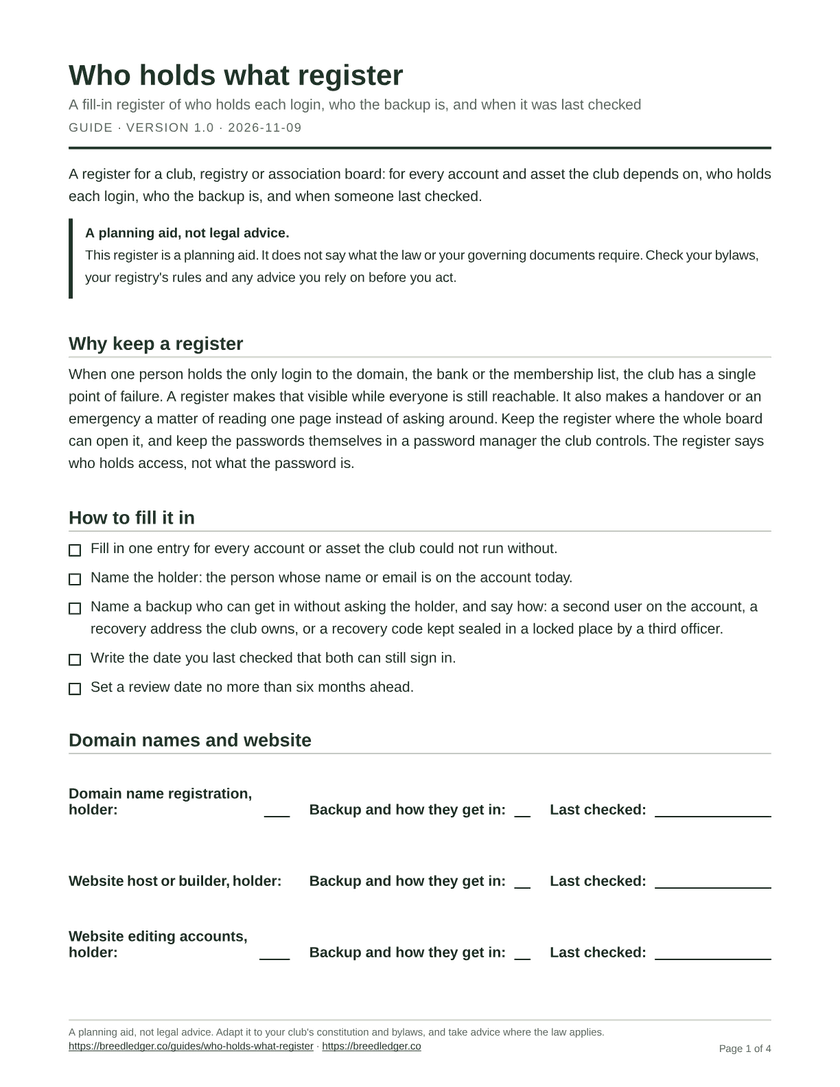
A register for a club, registry or association board: for every account and asset the club depends on, who holds each login, who the backup is, and when someone last checked.
A planning aid, not legal advice
This register is a planning aid. It does not say what the law or your governing documents require. Check your bylaws, your registry's rules and any advice you rely on before you act.
Why keep a register
When one person holds the only login to the domain, the bank or the membership list, the club has a single point of failure. A register makes that visible while everyone is still reachable. It also makes a handover or an emergency a matter of reading one page instead of asking around. Keep the register where the whole board can open it, and keep the passwords themselves in a password manager the club controls. The register says who holds access, not what the password is.
How to fill it in
- Fill in one entry for every account or asset the club could not run without.
- Name the holder: the person whose name or email is on the account today.
- Name a backup who can get in without asking the holder, and say how: a second user on the account, a recovery address the club owns, or a recovery code kept sealed in a locked place by a third officer.
- Write the date you last checked that both can still sign in.
- Set a review date no more than six months ahead.
Domain names and website
- Domain name registration, holder
- Backup and how they get in
- Last checked
- Website host or builder, holder
- Backup and how they get in
- Last checked
- Website editing accounts, holder
- Backup and how they get in
- Last checked
Bank and payment accounts
- Bank account, holder
- Backup and how they get in
- Last checked
- Online payment provider, holder
- Backup and how they get in
- Last checked
- Cards and expense accounts, holder
- Backup and how they get in
- Last checked
Email and messaging
- Club email address, holder
- Backup and how they get in
- Last checked
- Shared mailboxes, holder
- Backup and how they get in
- Last checked
- Mailing list or newsletter tool, holder
- Backup and how they get in
- Last checked
Registry and membership data
- Membership list, holder
- Backup and how they get in
- Last checked
- Registry or registration records, holder
- Backup and how they get in
- Last checked
- Certificate numbering and templates, holder
- Backup and how they get in
- Last checked
- Event entries and results, holder
- Backup and how they get in
- Last checked
- Board minutes and decisions, holder
- Backup and how they get in
- Last checked
Social accounts and other assets
- Social media pages, holder
- Backup and how they get in
- Last checked
- File storage and shared folders, holder
- Backup and how they get in
- Last checked
- PO box or postal address, holder
- Backup and how they get in
- Last checked
- Insurance policies and contracts, holder
- Backup and how they get in
- Last checked
Reviewing the register
Set a reminder twice a year. At each review:
- Ask each holder and backup to sign in once and confirm they can.
- Replace any holder or backup who has left the board.
- Check that no account is held on a personal address that only one person can read.
- Update the date in the last checked entries.
- Next review by
Use this register with your board handover checklist and your emergency access plan.